AI IMAGE STUDIO
Free Online AI Image Generator
Discover what your idea can look like with our free online AI image generator. Enter a prompt or upload a reference image, choose your settings, and create a new visual.
0/10
0/20,000
Generation cost
14 credits
Generated Results
Your latest creations, grouped by local date.
Loading your creations...
AI Image Generator for Everyone
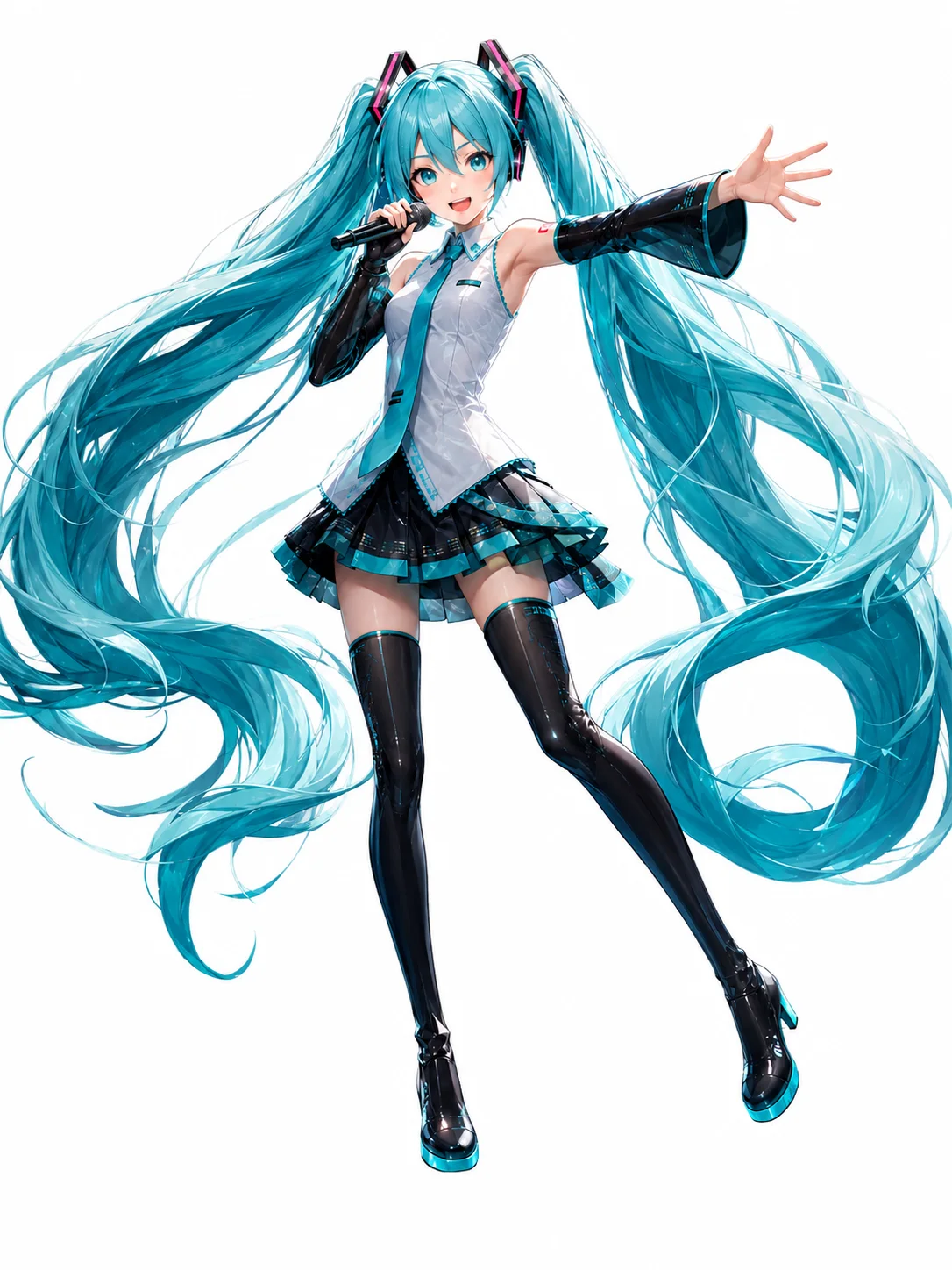
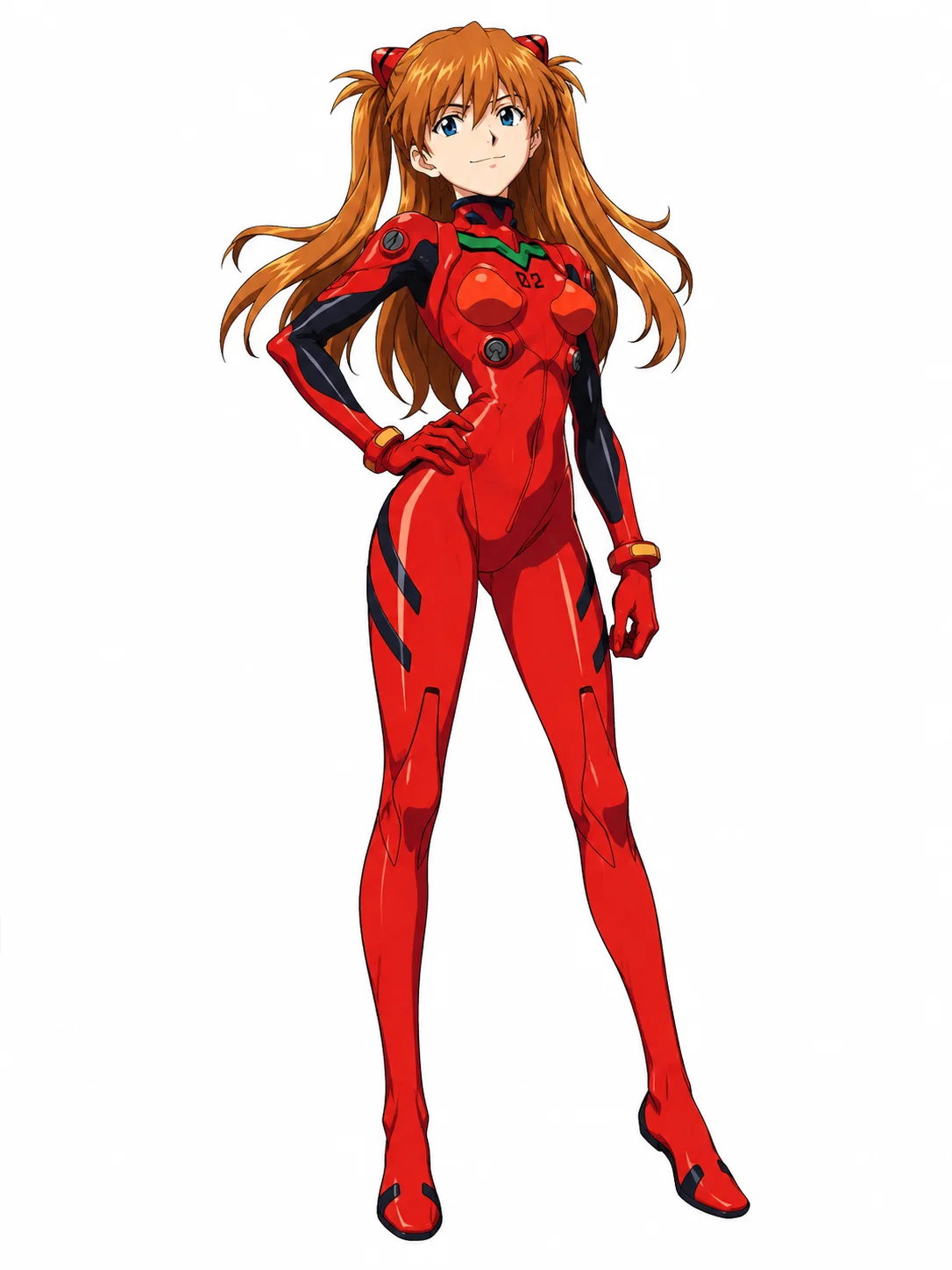
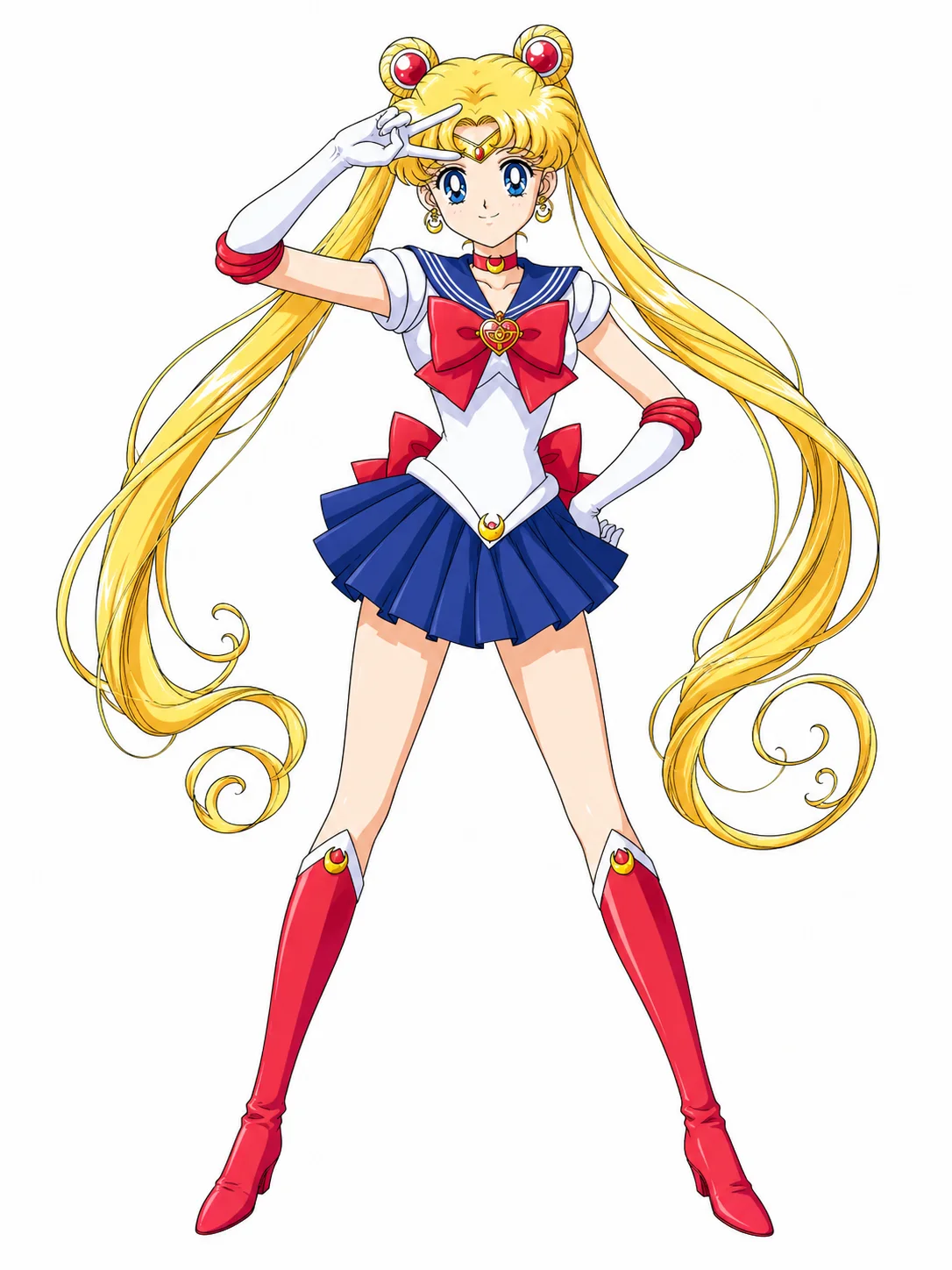
Our AI image generator offers everything you need to create stunning images effortlessly. Experience simple AI image generation online for free!
/w1440.webp)
/w1440.webp)
/w1440.webp)
/w1440.webp)
/w1440.webp)
/w1440.webp)
/w1440.webp)
What Our AI Image Generator Helps You Do
Move from a first idea to a refined image with text prompts, visual references, and the model that matches your creative direction.
/w1440.webp)
/w1440.webp)
/w1440.webp)
Turn Text Into Any Image You Want
Want to see what the idea in your head looks like as an image? Now, you don’t need drawing or complex design skills to realize this goal. Our AI image generator allows you to turn your text descriptions into high-quality images with great ease.
Just enter your prompt and describe the subject, style, composition, lighting, colors, and other details you want to see. You can also choose an AI model, resolution, and aspect ratio when those settings are available.
/w1440.webp)
/w1440.webp)
/w1440.webp)
Explore Different Images from the Same Prompt
Powered by advanced AI models like Seedream 5.0 Pro, Nano Banana Pro, Flux 2 Pro, and GPT Image 2, our AI image generator can intelligently understand subjects, composition, lighting, colors, and visual styles from a single prompt and generate new variations, from anime and illustrations to 3D and realistic images.
Using the same detailed prompt can help preserve important visual direction and character features across generations, while each result may still vary. Explore multiple possibilities from a single idea and refine the version you prefer.
/w1440.webp)
/w1440.webp)
/w1440.webp)
Create New Images from Your Reference Image
In addition to generating images from text prompts, our AI image generator can create new images from a reference. Upload an image and describe the pose, outfit, expression, background, or style variation you want. The reference can help guide important visual features, though each generated result may vary.
AI Image Generator for Every OC Idea
Try OC Maker offers an easy yet powerful AI image generator for OC creators, anime fans, and character designers to turn character ideas into unique visuals and create detailed original characters, which saves time and effort on drawing from scratch.
Character Design
Create original characters with custom faces, hairstyles, outfits, poses, and personalities.
Anime & Illustration
Turn your ideas into anime art, manga-style images, digital illustrations, and more.
Social Media
Generate eye-catching images for posts, profile pictures, thumbnails, and social content.
Game & Story Concepts
Visualize characters, fantasy worlds, environments, props, and key story moments.
Profile Pictures & Avatars
Create custom profile pictures, avatars, and character portraits for social media, gaming, communities, and personal profiles.
How to Make AI Images with AI Image Generator?
Enter prompts describing the AI image you want to generate.
Enter Prompts
Customize your description to tell the AI what kind of image you want it to generate.
Generate AI Image
The AI analyzes your prompt and generates a new image using your selected model and settings.
Download & Apply
Once satisfied, download your high-quality AI image for social media, design, marketing, or other purposes.
All the AI image features you need
Create, edit, refine, and compare AI images in one easy creative workspace.
Text to Image
Our AI image generator turns text prompts into new visuals, making it easy to create characters, illustrations, scenes, and more from simple descriptions.
Reference Image Generation
Our AI image generator supports reference images to guide the subject, pose, style, composition, and other visual details for more controlled results.
Prompt-Based Editing
Edit your AI images simply by describing what you want to change. Easily replace outfits, backgrounds, objects, colors, and other details without complex editing skills.
Multiple Art Styles
Explore a wide range of visual styles, including anime, manga, realistic, 3D, cinematic, illustration, and more to find the look that fits your idea.
Multiple AI Models
Access different AI image models in one place and compare how each model handles your prompt, style, details, and overall visual direction.
HD Results
Generate clear, detailed AI images with high-quality output suitable for character artwork, creative projects, social media, and other visual content.
Flexible Aspect Ratios
Choose from square, portrait, landscape, vertical, and widescreen formats to generate images in the right size and composition for your needs.
Prompt Enhancement
Turn a simple idea into a more detailed prompt with AI assistance, helping the image generator better understand your subject, style, lighting, composition, and other visual details.
Easy Refinement
Reuse your previous prompts and generation settings to quickly adjust details, try new variations, and refine an image until you get the result you want.
Why Use an AI Image Generator
-
Precise Prompt Following: Powered by advanced AI models, our AI image generator excels at understanding detailed text prompts.
-
Made for Different Creative Projects: Use our AI image generator to create high-quality AI images for portraits, product shots, anime art, illustrations, posters, social media graphics, concept art, and more.
-
Edit with Reference Images and Prompts: Upload an existing image as a reference, then describe the outfit, background, pose, colors, or other details you want to change.
-
No Photoshop Skills Needed: You don't need any design or editing skills to refine an AI-generated image. Our AI image generator understands everyday language, so just tell the AI what you want to change.
-
Multiple Art Styles: Describe styles such as anime, realistic photography, 3D, digital illustration, fantasy, or cinematic art directly in your prompt.
Recent generations
9 images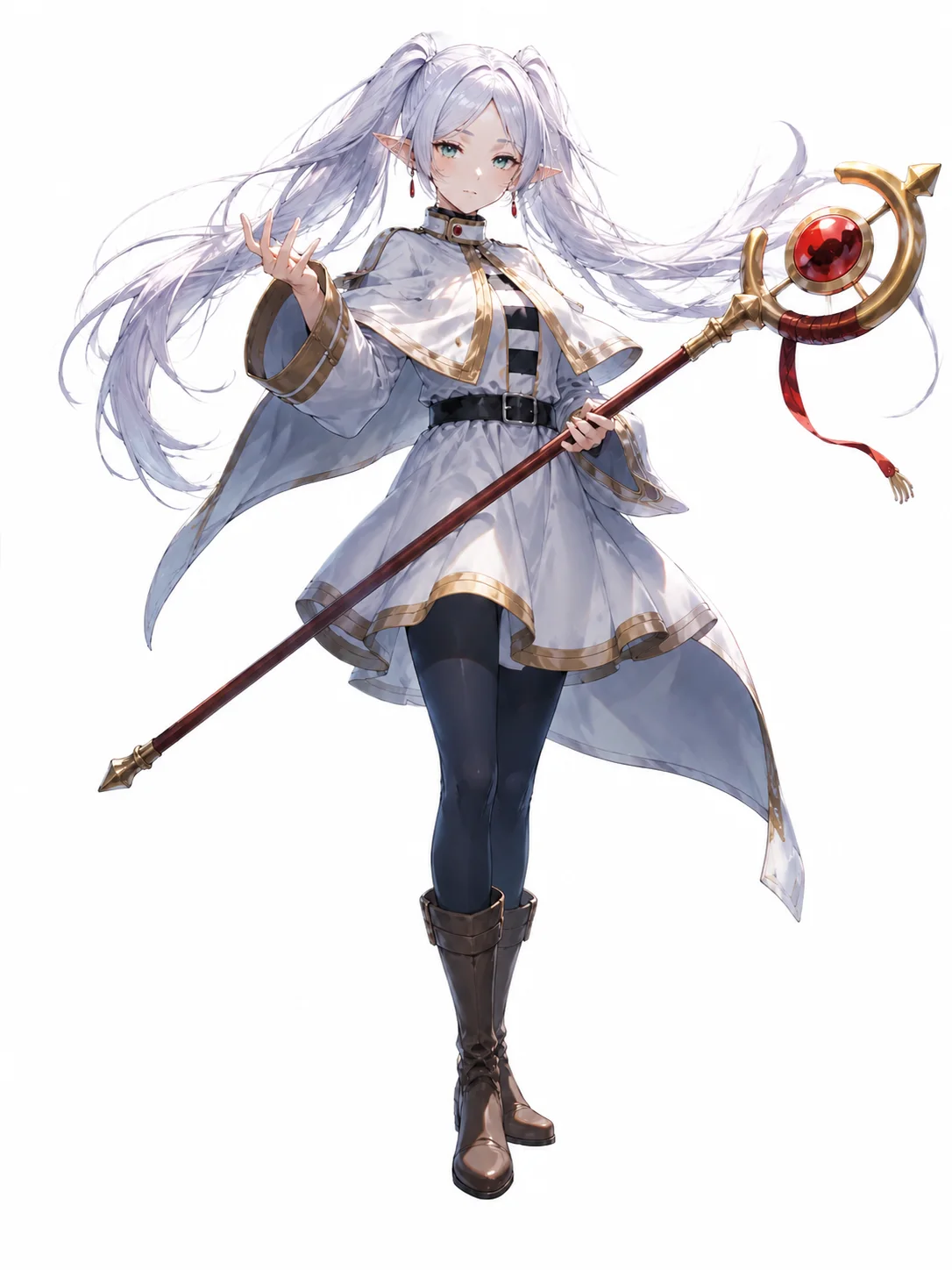
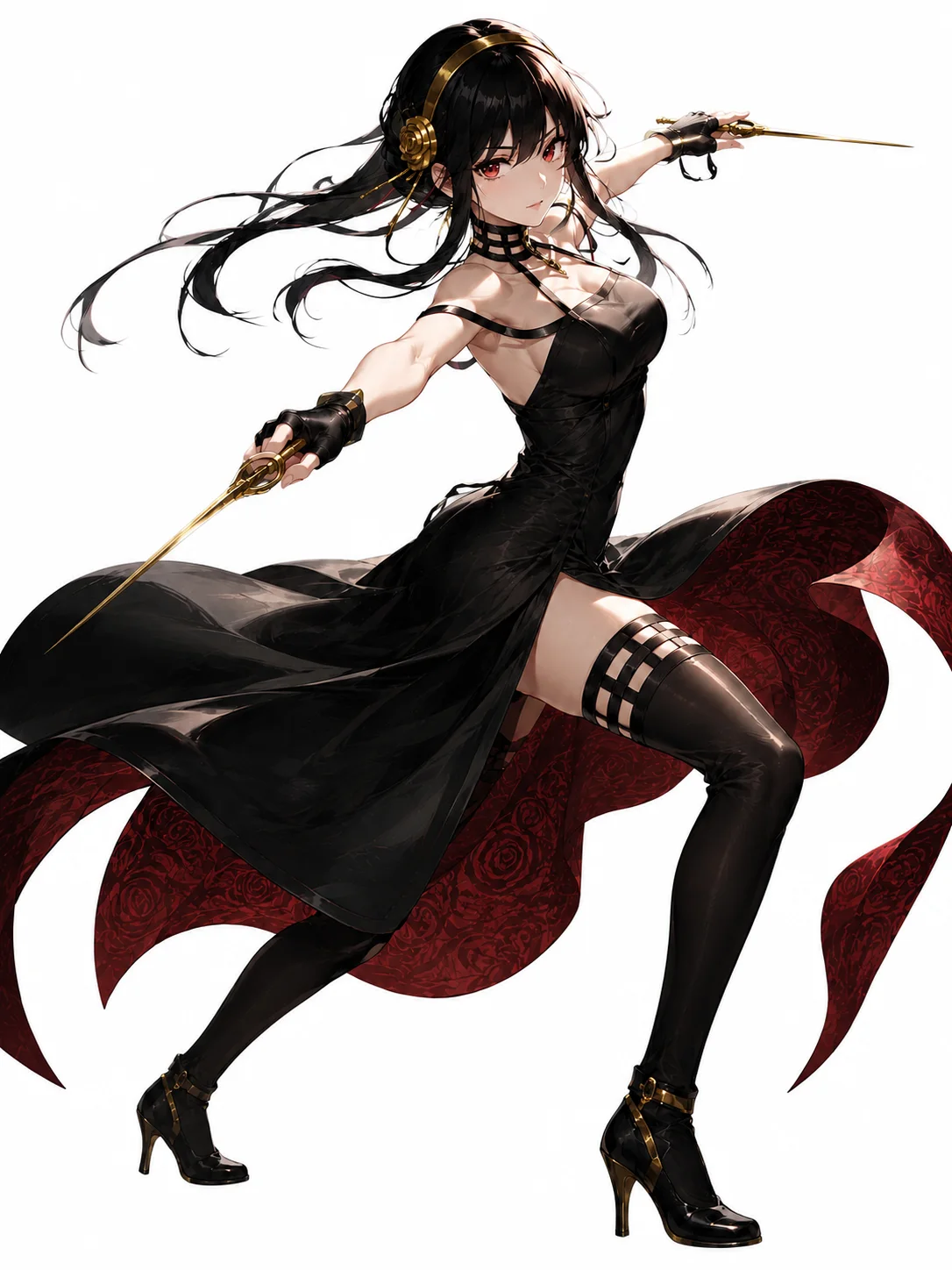
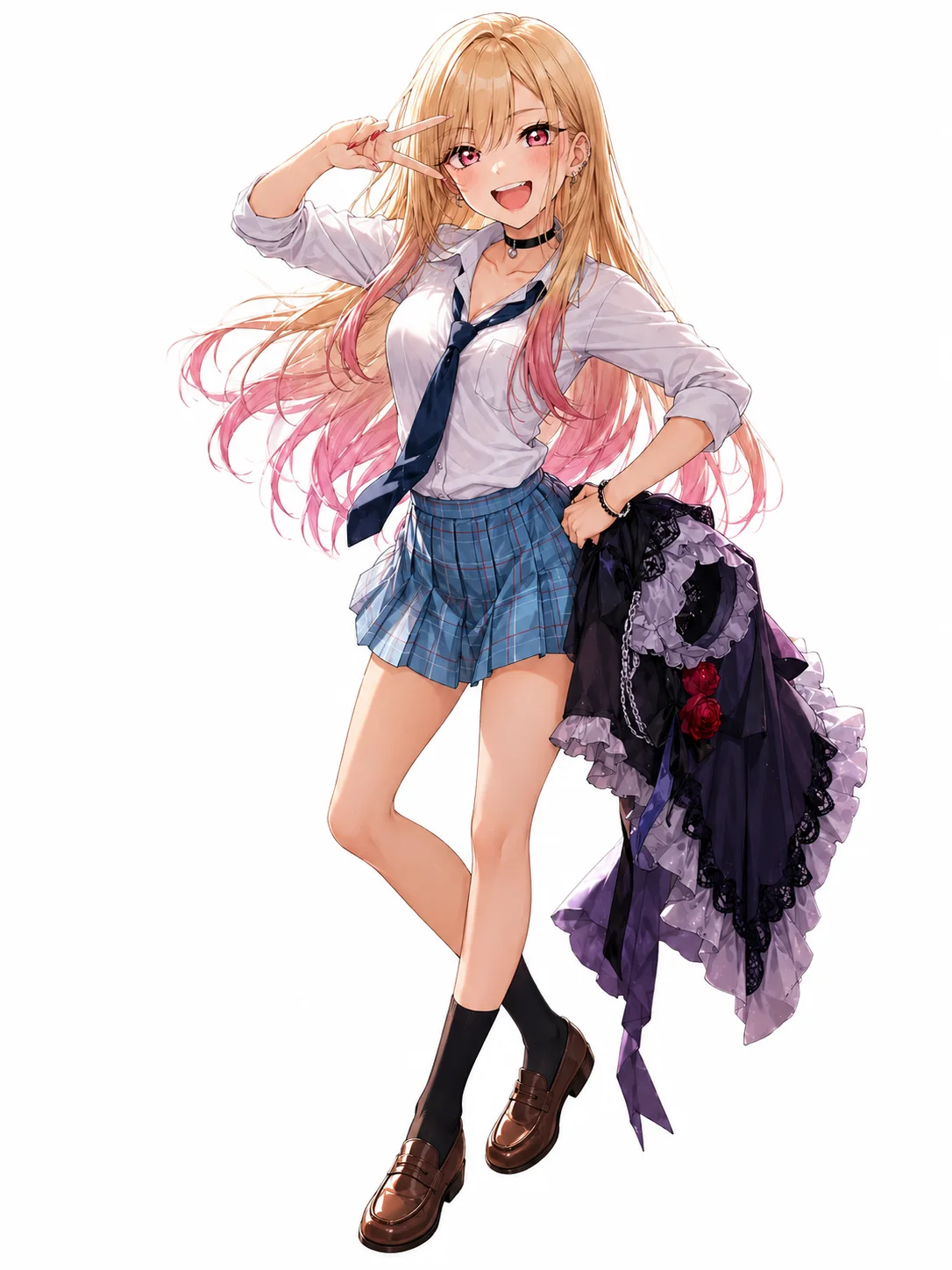
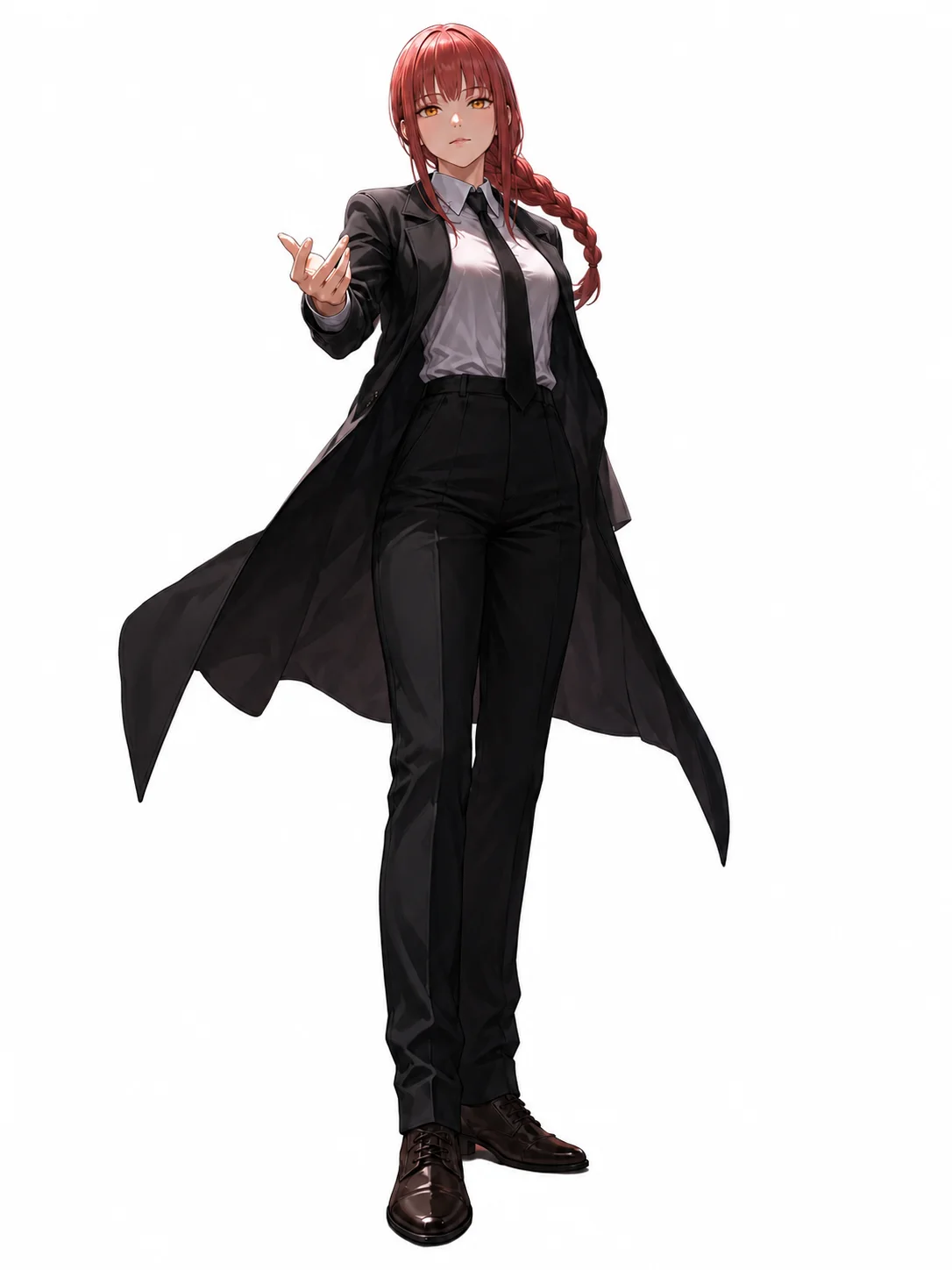
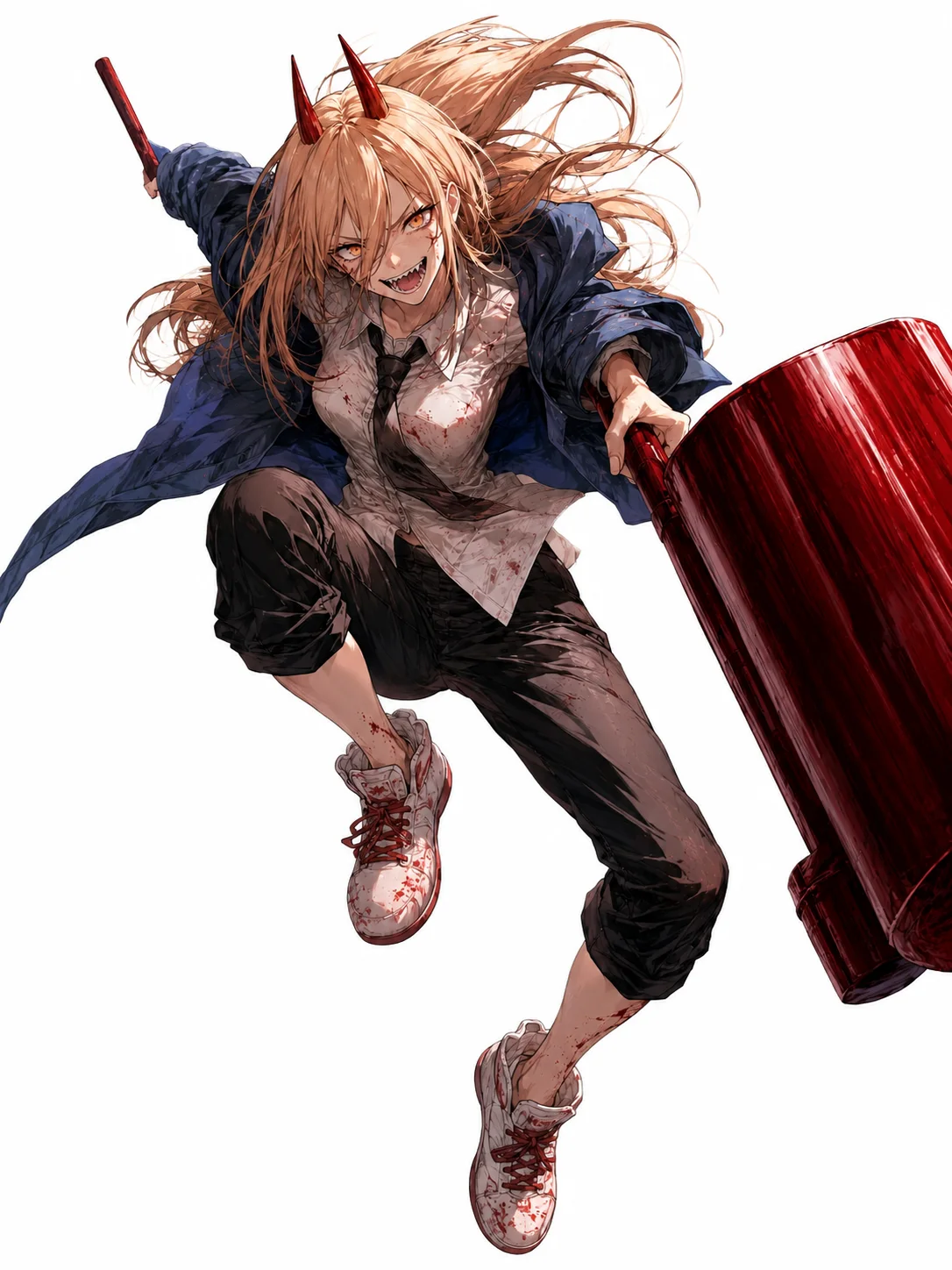
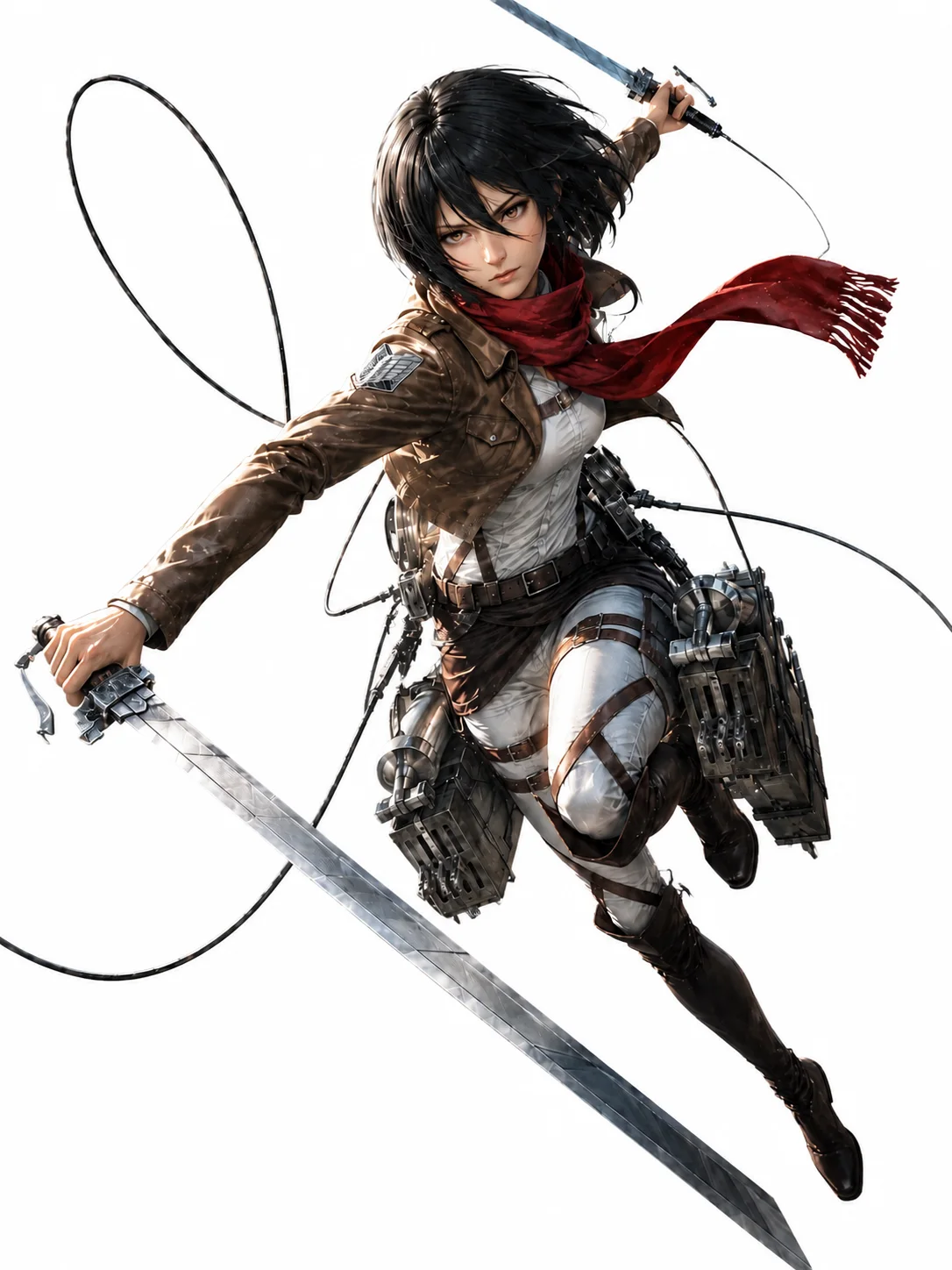
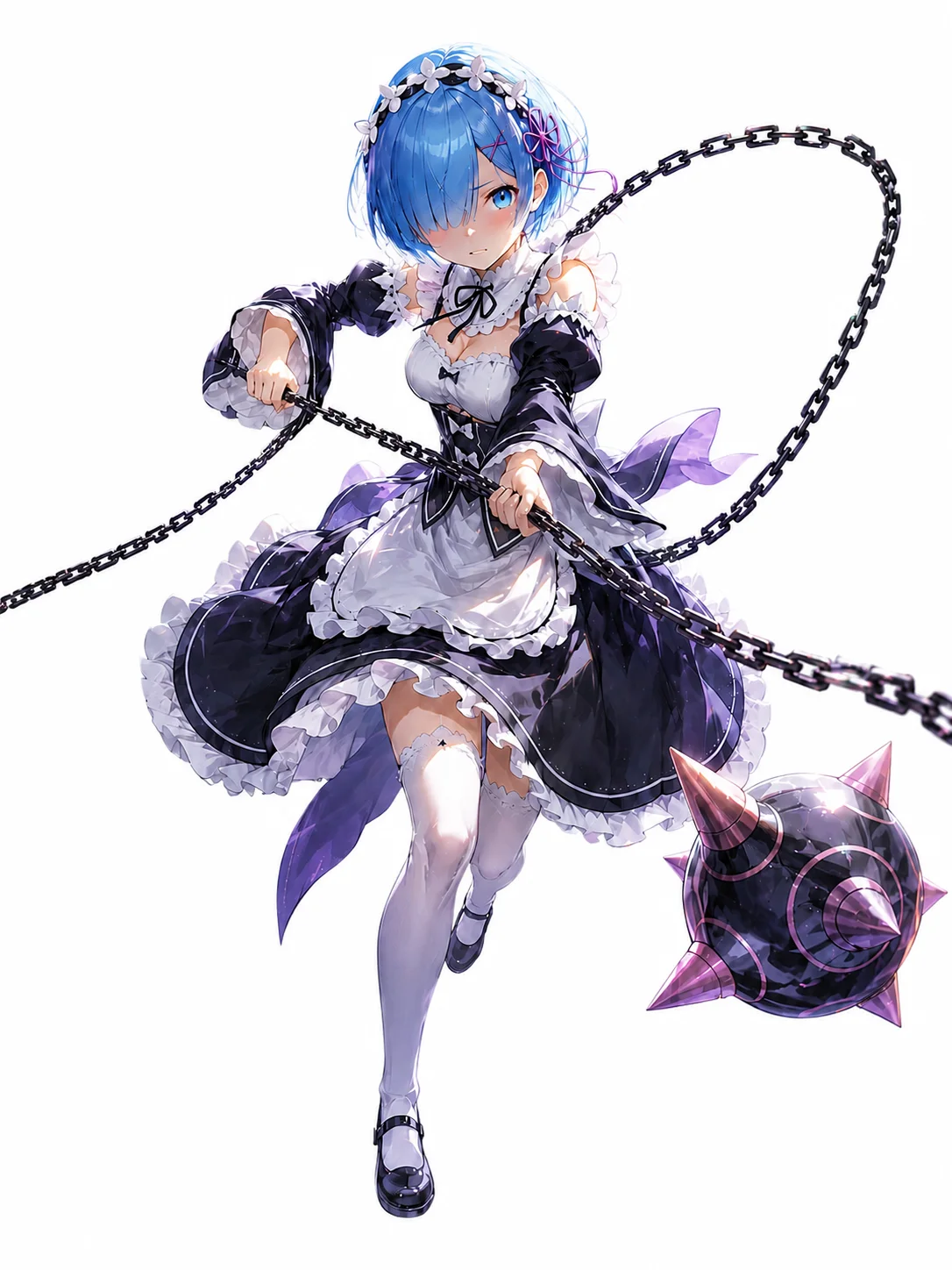
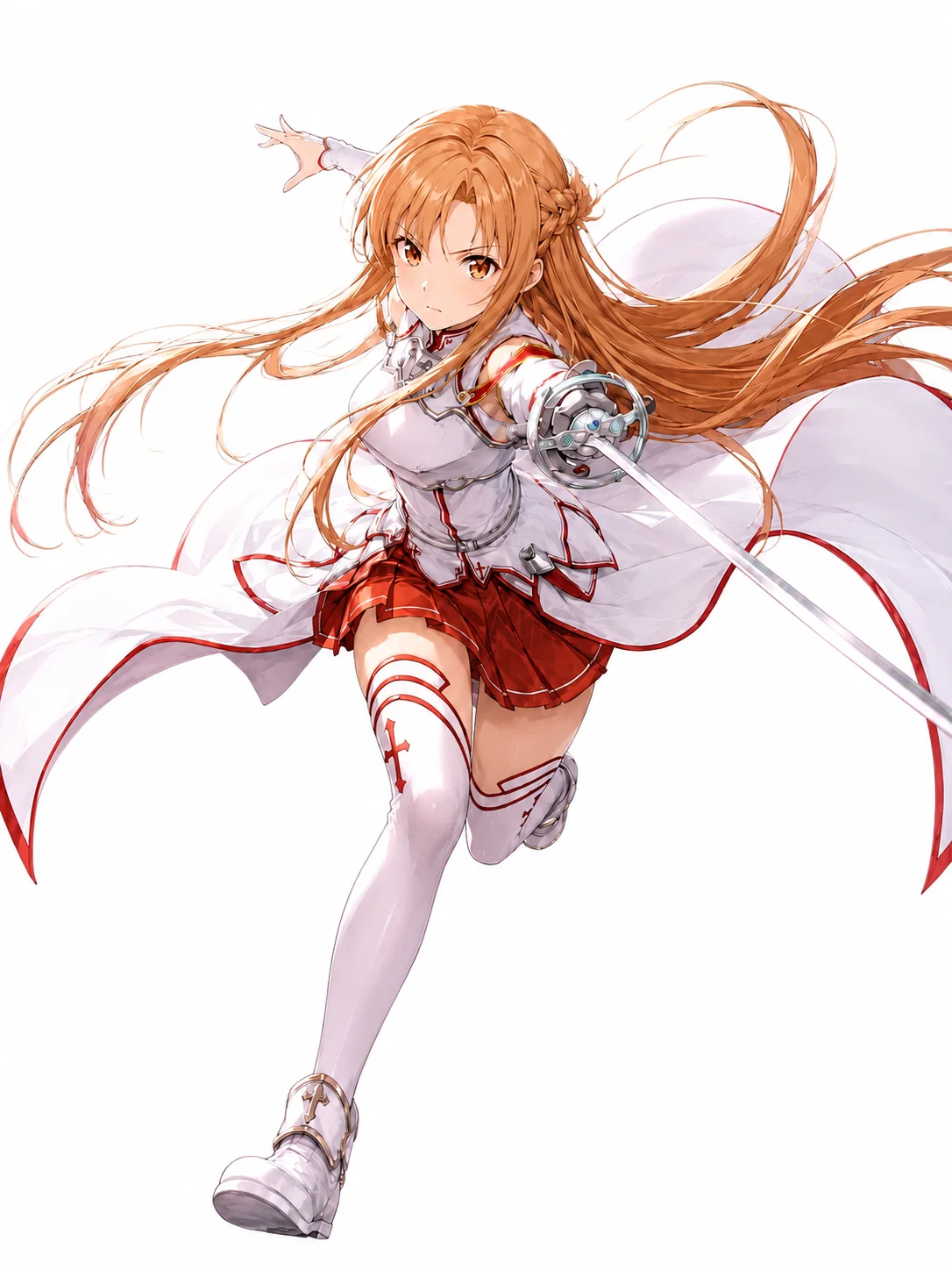
Describe the image you want to create...
GenerateRecent generations
9 images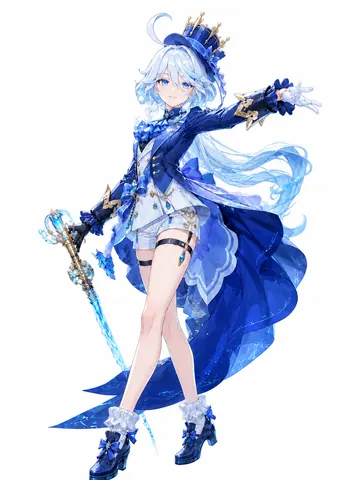
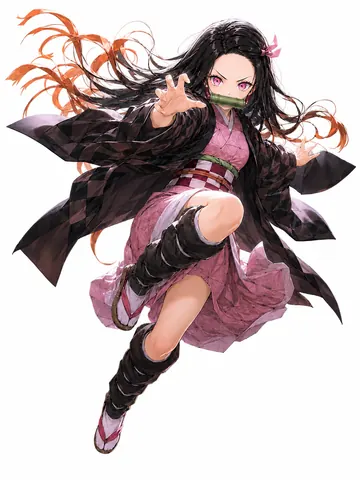
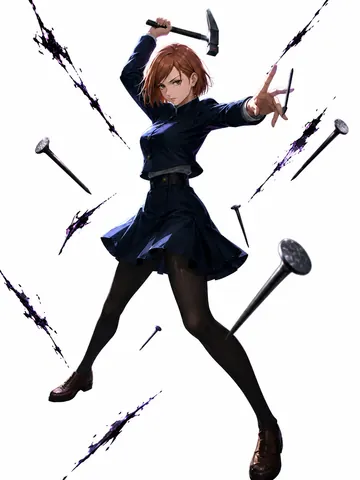
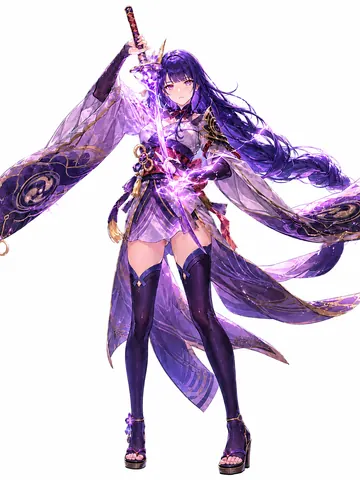
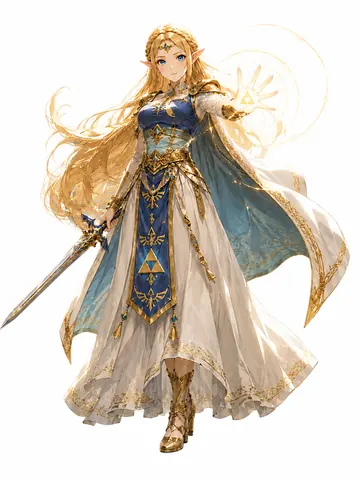
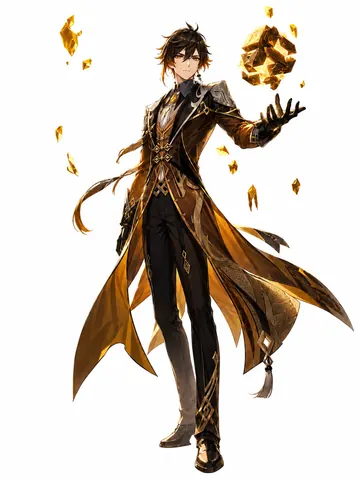
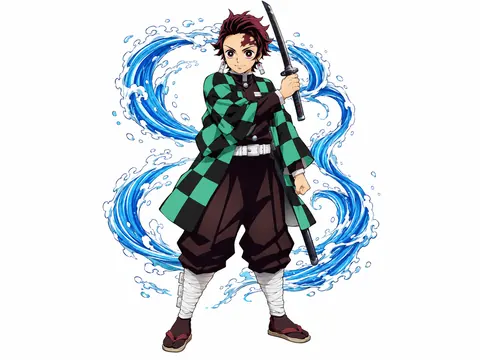
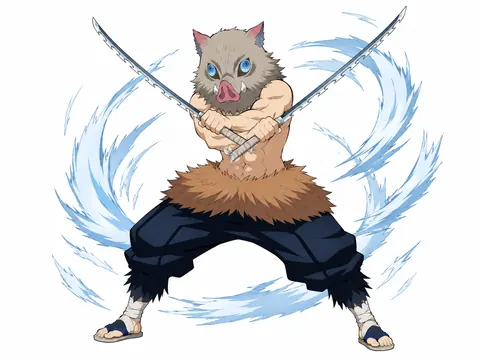
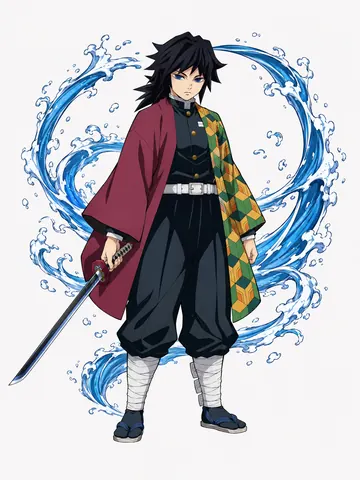
Describe the image you want to create...
GenerateHow to Write a Good Prompt for an AI Image Generator
Use our AI image generator to create high-quality images. Getting your prompts right is key. Here are some tips to make the most of your prompts:
-
Subject: Be clear about the main subject, its appearance, action, and setting.
-
Composition: Specify framing, camera angle, subject position, and shot type.
-
Style: Use styles like anime, cinematic, realistic, watercolor, 3D, or illustration.
-
Lighting: Define the lighting, such as soft daylight, golden hour, studio light, or dramatic lighting.
-
Details: Include important colors, clothing, materials, textures, facial features, and background elements.
-
Mood: Decide the overall feeling—warm, dreamy, dramatic, playful, mysterious, or elegant.
Explore Leading AI Models for Anime Images
Discover leading AI models for anime creation. From detailed character design to reference-based consistency and precise editing—built for every anime workflow.
Seedream 5.0
Best for detailed anime art, expressive characters, and prompt-rich scenes.
GPT Image 2
Ideal for complex prompts, character sheets, multi-element layouts, and clean image edits.
Nano Banana Pro
Built for character consistency, making it easy to keep faces, outfits, and style aligned across images.
Wan 2.7 Image
Great for high-resolution anime variations, with strong control over poses, outfits, expressions, and scenes.
Flux 2
Strong in style, pose, and composition control for polished anime visuals with a clear look.
Qwen Image
Well suited for anime restyling and targeted edits while preserving key character features.
FAQs
What is Try OC Maker’s AI image generator?
Try OC Maker’s AI image generator is an online tool that uses AI to turn your text prompts or reference images into new visuals. Describe what you want to create, choose an available model and settings, and submit the generation for processing.
Is Try OC Maker’s AI image generator free to use?
Yes. Try OC Maker’s AI image generator is free to try. New users get 40 free credits after signing up, so you can create AI images and try different models and styles before purchasing additional credits.
How to generate an AI image from a text prompt?
You can generate an AI image with Try OC Maker in a few steps. Enter a prompt describing the image you want to create. Choose your preferred AI model and any available resolution or aspect-ratio settings. Click “Generate” and let AI create the image for you. Preview the result and download the image you like. The more clearly you describe your idea, the easier it is for AI to generate an image that matches what you want.
How should I write a prompt to get better AI images?
Start by clearly describing the main subject you want to create, then add important details such as appearance, clothing, pose, background, lighting, colors, and art style. For example, instead of simply entering “anime girl,” you can write “an anime girl with long silver hair, blue eyes, a white fantasy dress, standing in a flower garden under soft daylight.” A clear and detailed prompt gives the AI more information to work with and usually helps you get a result closer to your idea.
Why doesn’t my AI-generated image fully match my prompt?
This can happen when your prompt contains too many details, unclear descriptions, or instructions that conflict with each other. Different AI models may also understand the same prompt differently. Try simplifying your prompt and clearly describing the details that matter most. You can also change the AI model or generate another version until you get a result you like.
Why do faces, hands, or small details sometimes look unnatural in AI images?
Faces, hands, fingers, accessories, and other small details can be more difficult for AI to generate accurately, especially when there are multiple people, complicated poses, or many objects in one image. For better results, try simplifying the composition, making the main subject larger, or describing important facial and body details more clearly in your prompt. You can also regenerate the image or try another AI model.
Why does text sometimes look wrong in AI-generated images?
AI image generators are designed mainly to create visual content, so small or complicated text may sometimes appear misspelled, distorted, or incomplete. For better text results, keep the wording short and clearly tell the AI exactly what text you want to appear in the image. If accurate typography is important, you can also add or edit the final text with a photo or design editor afterward.
Why does the same prompt generate different images each time?
AI can create different results from the same prompt, so the character, pose, background, colors, or composition may change slightly every time you generate. This makes it easy to explore different versions of the same idea. If you like one result, you can keep the original prompt and generate more variations until you find the image you prefer.
Why do my results change when I switch AI image models?
Different AI image models have their own strengths and visual styles. Some models may be better at following detailed prompts, while others perform better with anime images, realistic photos, illustrations, or creative styles. You can use the same prompt with different models in Try OC Maker and compare the results to find the one that works best for your image.
Can I use a reference image to guide my AI-generated image?
Yes. You can upload a reference image to help AI understand the look you want to create. A reference image can be used to guide details such as the character, hairstyle, outfit, pose, colors, composition, or art style. For better results, use a clear reference image and describe what you want to keep or change in your prompt.
How can I keep the same character consistent across multiple AI images?
For more consistent characters, keep important details such as hairstyle, eye color, facial features, outfit, accessories, and colors the same in every prompt. You can also upload the same character image as a reference when creating new poses, expressions, outfits, or scenes. This gives the AI a clearer visual reference and helps reduce unwanted changes between images.
Can I edit an AI-generated image without creating it again from scratch?
Yes. You can use an existing image as a reference and describe what you want to change. For example, you can ask AI to change the character’s outfit, hairstyle, pose, background, expression, or other visual details while keeping the main image direction. This makes it easier to refine an image without starting with a completely new idea.
Create Your Next Image with AI
Describe your idea or upload a reference, choose your AI model, and submit the image you have in mind for generation.
Create Your Image